Step 1 — How to Install Kids Shield on Android

Download Kids Shield APK
Enable unknown sources

Android Lollipop, KitKat, ICS, Gingerbread

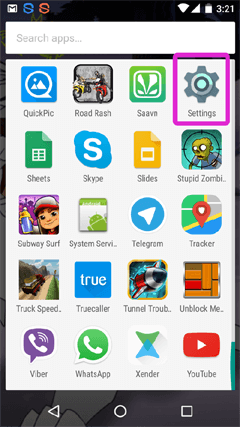
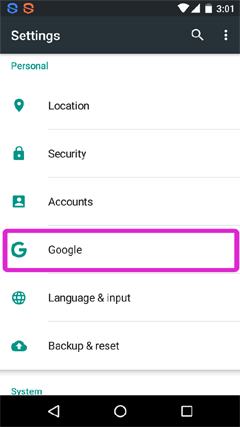
Google Settings security
Disable scan threats
Disable harmful app detection

Android Marshmallow

Settings Google security
Security settings
Disable scan threats
Disable detection

Download APK

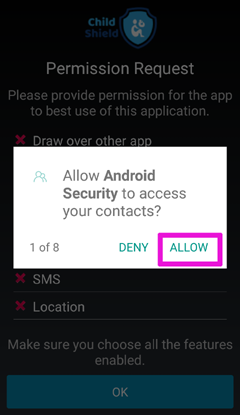
Install step 1
Install step 2
Install step 3
Install step 4
Install step 5
Install step 6
Install step 7
Install step 8
Install step 9
Install step 10
Install step 11
Install step 12

Step 2 — Configuration

Already a Kids Shield user

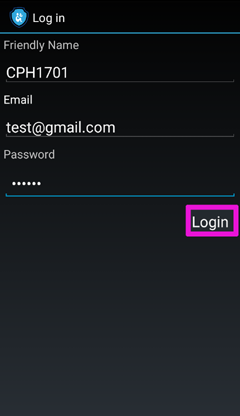
Login existing account
Enter credentials
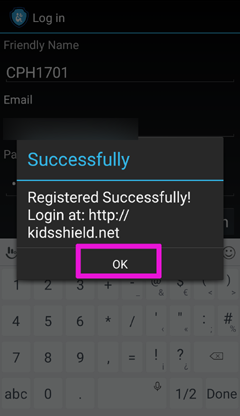
Account linked

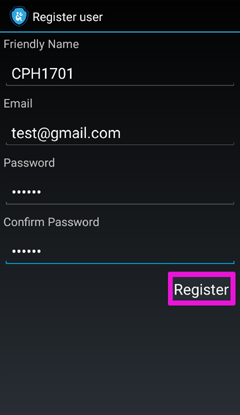
Create a new Kids Shield account

Create account step 1
Create account step 2
Create account step 3

Step 3 — Email Verification

Email verification step 1
Email verification step 2

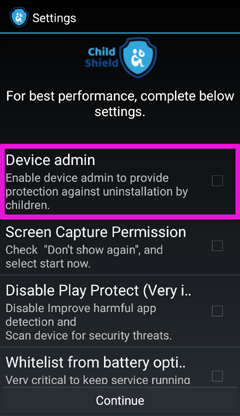
Step 4 — Post Installation Settings by Device

Android 10 and above

Samsung (Android 7+)

Samsung Galaxy S8 / S9 series

Huawei

Xiaomi / Redmi

Vivo

Infinix

Oppo

Disable Notifications (Rooted phones only)